

At Futurebytes, we are dedicated to shaping the innovators of tomorrow. With a mission to make learning accessible and engaging, we’re excited to inspire young minds this summer and beyond. See you this summer at Futurebytes—where curiosity meets creativity!
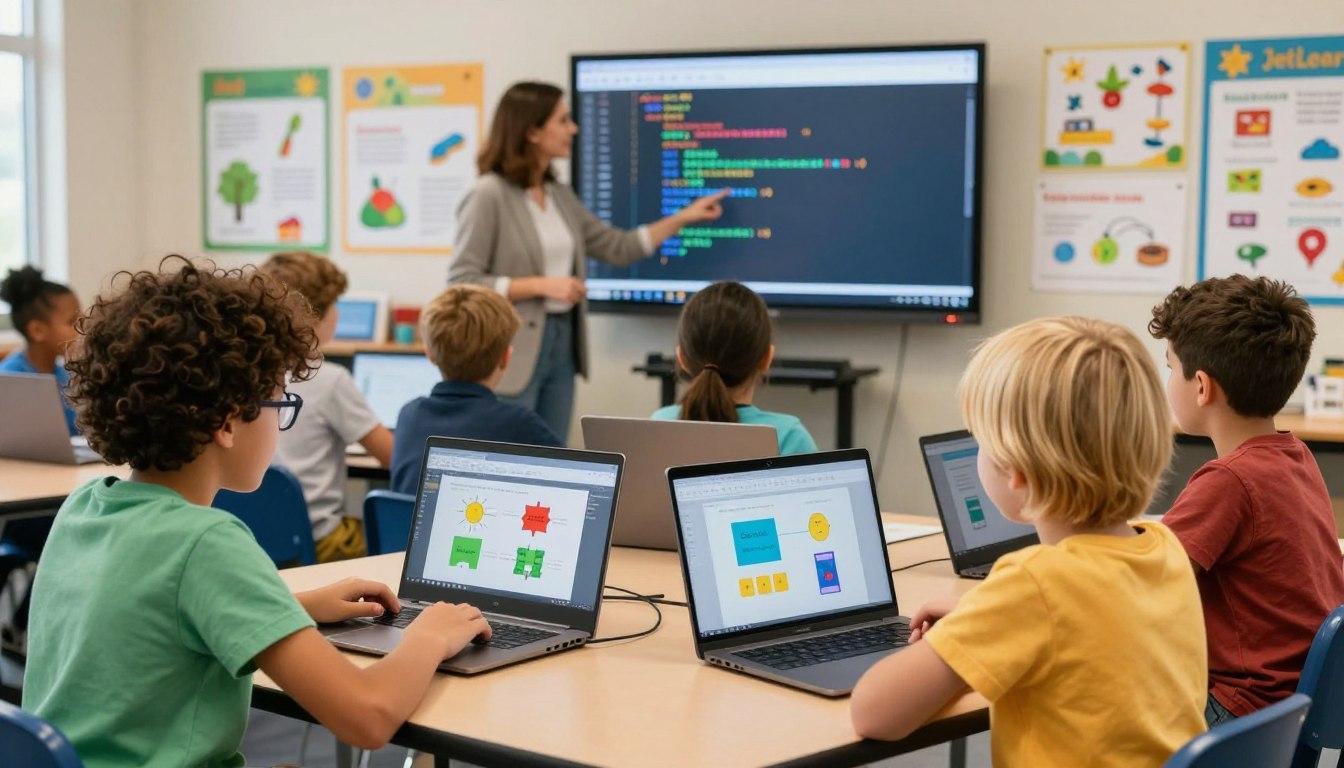
Coding for kids means creating instructions that a computer can carry out. Those instructions might animate a character, control a robot, or respond to a player's choice. A beginner's goal is to connect an instruction with its result and understand how changing the instruction changes what happens.
Learn the ideas behind the blocks
A sequence puts actions in order. A loop repeats them. A conditional chooses an action when a condition is true. An event starts a script, such as clicking a character. A variable stores a value that can change, such as a game's score.
Children do not need all of these concepts on the first day. An animated greeting can introduce events and sequences. Later, a repeating dance can introduce loops. A small project gives each concept a visible purpose.
Choose a starting tool that removes barriers
For ages 5–7, ScratchJr offers graphical blocks for interactive stories and games. [1] A child who is ready to read more interface labels can explore a richer block environment such as Scratch. Text languages add the need to type instructions accurately and interpret errors.
Python uses constructs such as if statements and for loops to express decisions and repetition. [2] It can be a good later step for a child who wants text programming, but typing a language earlier does not automatically produce deeper understanding. Readiness and interest matter.
Make debugging part of the first project
Try a character that moves toward a treasure chest. Ask your child to predict its route, run the program, and compare the result. If it goes too far, change the movement amount and test again. Debugging means finding and correcting a problem in the instructions.
Parents exploring Bay Area coding classes for kids can ask whether learners create their own variations and explain their code. Look for progress from copying instructions to making small decisions independently. At home, let your child show you one change they made and why it worked. That conversation reveals more than the project's size or appearance.
Resources
[1] ScratchJr — Programming for ages 5–7
[2] Python documentation — Decisions and repetition
.png)