


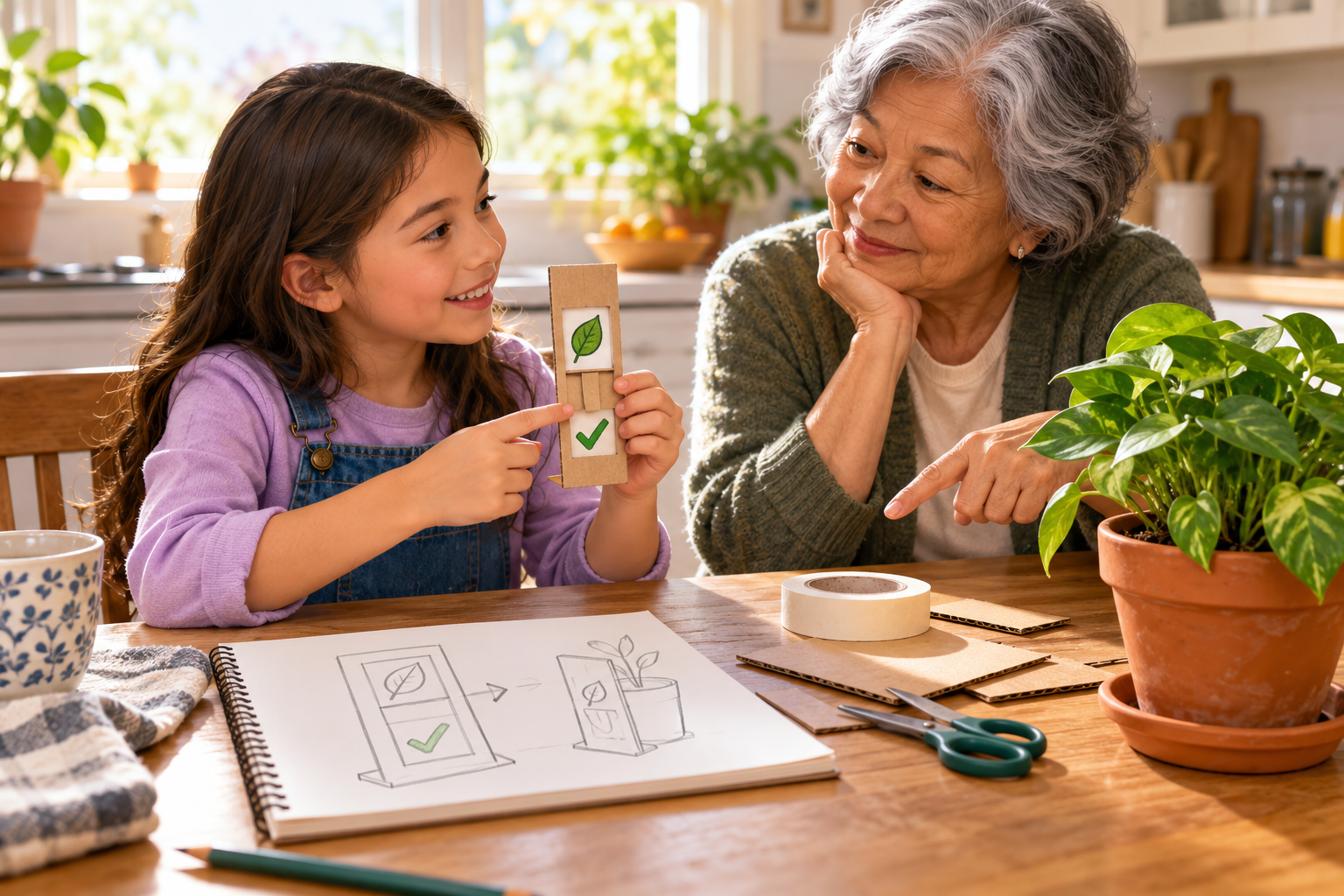
Ask friends or family for small problems that could be solved through automation, and have your child design a prototype.
A small household problem gives a STEM project a real purpose. Before building a solution, help your child listen to the person who experiences the inconvenience. A reminder that works for its designer may still be too small, confusing, or awkward for the person who needs it.
Understand the need before choosing technology
Ask when the problem happens and what would make the task easier. Defining a need and the limits of a possible solution is part of elementary engineering design. [1] A useful first requirement might be that a plant-care reminder can be read from across the kitchen.
A paper prototype represents an idea so someone can try it. It does not need working electronics. For an automation concept, separate the input, the decision, and the output. A person can act out each stage while the child checks whether the proposed sequence makes sense.
Prototype a plant-care reminder
Materials: Cardboard, paper, a marker, masking tape, and a clothespin or paper slider. Use an existing plant only as context; the prototype does not need to touch the soil or control its care.
- Interview the user. Ask a family member what they forget about checking the plant and where a reminder would be useful. Agree that the design should prompt a check rather than prescribe watering every day.
- Draw the system. Show a possible moisture reading as the input, a rule for deciding whether attention is needed, and a visible reminder as the output. Explain that these are proposed functions, not working sensors.
- Build and act it out. Use a paper slider to show sample states, such as check needed and checked. Have the user interpret it without help, then revise any unclear label, position, or step.
Test the idea with its intended user
The important result is whether the person understands the reminder and finds it useful. An automated version would need an actual sensor, a tested rule, and suitable hardware; moving a paper flag by hand only simulates that behavior. Keep one note explaining how user feedback changed the prototype.
Resources
.png)