


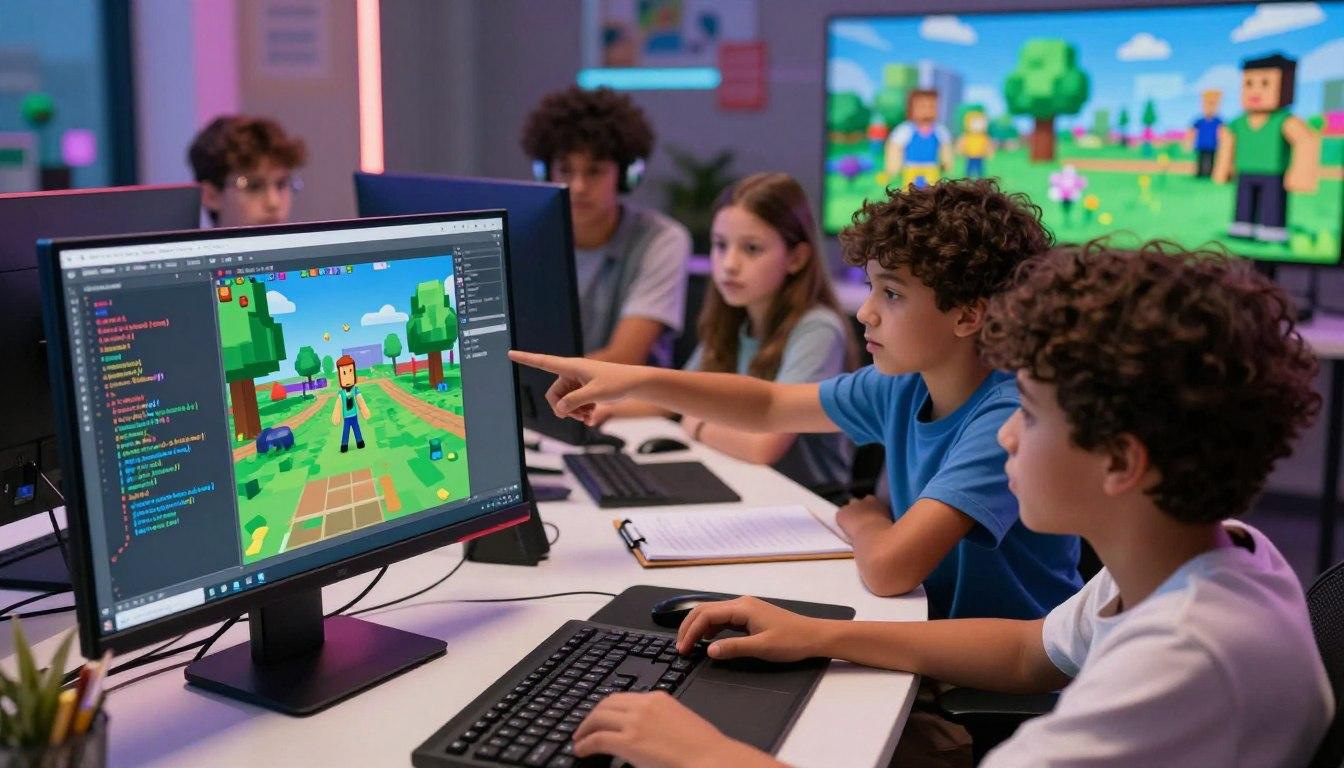
At Futurebytes, we are dedicated to shaping the innovators of tomorrow. With a mission to make learning accessible and engaging, we’re excited to inspire young minds this summer and beyond. See you this summer at Futurebytes—where curiosity meets creativity!
Roblox and Minecraft can be used for learning, but their educational value depends on the activity. Parents need to know whether children are playing, designing, programming, or investigating a specific idea. Those experiences can overlap, yet they do not produce the same evidence of understanding.
Myth that playing always teaches coding
A child can spend time in a game without writing or modifying any code. Roblox Studio is a creation environment, with Luau used for scripting behavior. Roblox's education resources include specific design and coding tutorials. [1] Ask which part of a project the learner programs.
Similarly, placing blocks in Minecraft is not automatically a coding exercise. A lesson might introduce repetition through an Agent program, while a free build might focus on design. Name the actual skill instead of treating every game activity as programming.
Myth that structure removes creativity
A learning task can have a clear goal and still allow different solutions. Ask children to design a small shelter using a limited number of materials. They can choose its appearance while comparing space, access, and the block budget.
Minecraft Education includes learning resources and tools such as Code Builder. [2] Those features support purposeful lessons, but the instructor still needs to connect the activity to an idea and review what the child understands. A software edition alone does not supply that connection.
Myth that an educational activity needs no oversight
Creation tools and learning worlds still require suitable account arrangements and supervision. Ask how communication, public sharing, and purchases are handled. Roblox's Safety Center provides current information for reviewing its controls and policies. [3] Check the settings used in the actual class.
Bay Area parents considering game-based STEM learning can request a project demonstration. Ask the child to explain a rule, show how it works, and describe a revision. If the program offers only time to play, it may still be enjoyable, but the learning claim needs a specific basis. A clear task and visible reasoning make the educational value easier to assess.
Resources
[1] Roblox Creator Hub — Education content
.png)